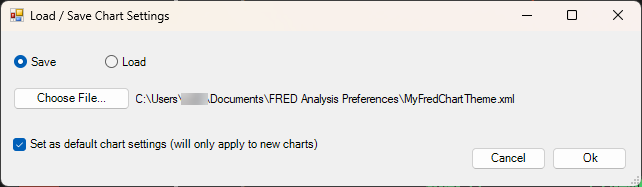
This feature loads a previously saved XML settings file, or saves the GlobalSettings currently applied to a chart to an XML file.
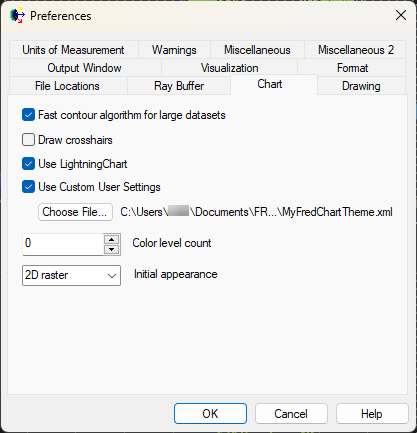
Optionally, when loading or saving the GlobalSettings, those settings can also be set as the default chart settings for new charts. In this case the applied settings file will be shown in the Tools... Preferences... Chart tab:
To reset the LightningChart settings to their default, simply uncheck the box to use custom settings.
This feature is accessible by right mouse clicking on the active chart and selecting "Load/Save Settings".
|