The Anamorphic View Scaling feature allows scaling of the 3D view in one or more dimensions. The scaling is strictly for visualization and will not affect any geometrical dimensions of the model. Anamorphic View Scaling is particularly useful in systems which are disproportionately sized in one direction, making visualization of the model difficult.
This feature can be accessed in the following ways: •Menu > 3D View > Anamorphic View Scaling Properties
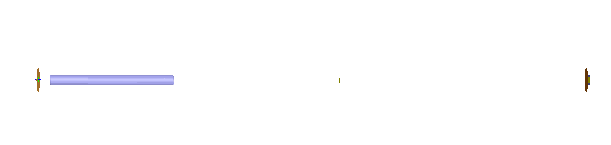
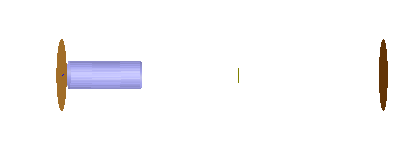
Shown below are two views of the same geometry, a laser cavity. The top view is unscaled and the bottom view is scaled by a factor of 0.2 in the Z direction. The view scaling can be toggled on or off from the 3D View menu.
Toggle Anamorphic View Scaling
|
||||||||||||||||||||||||||||||||||||||